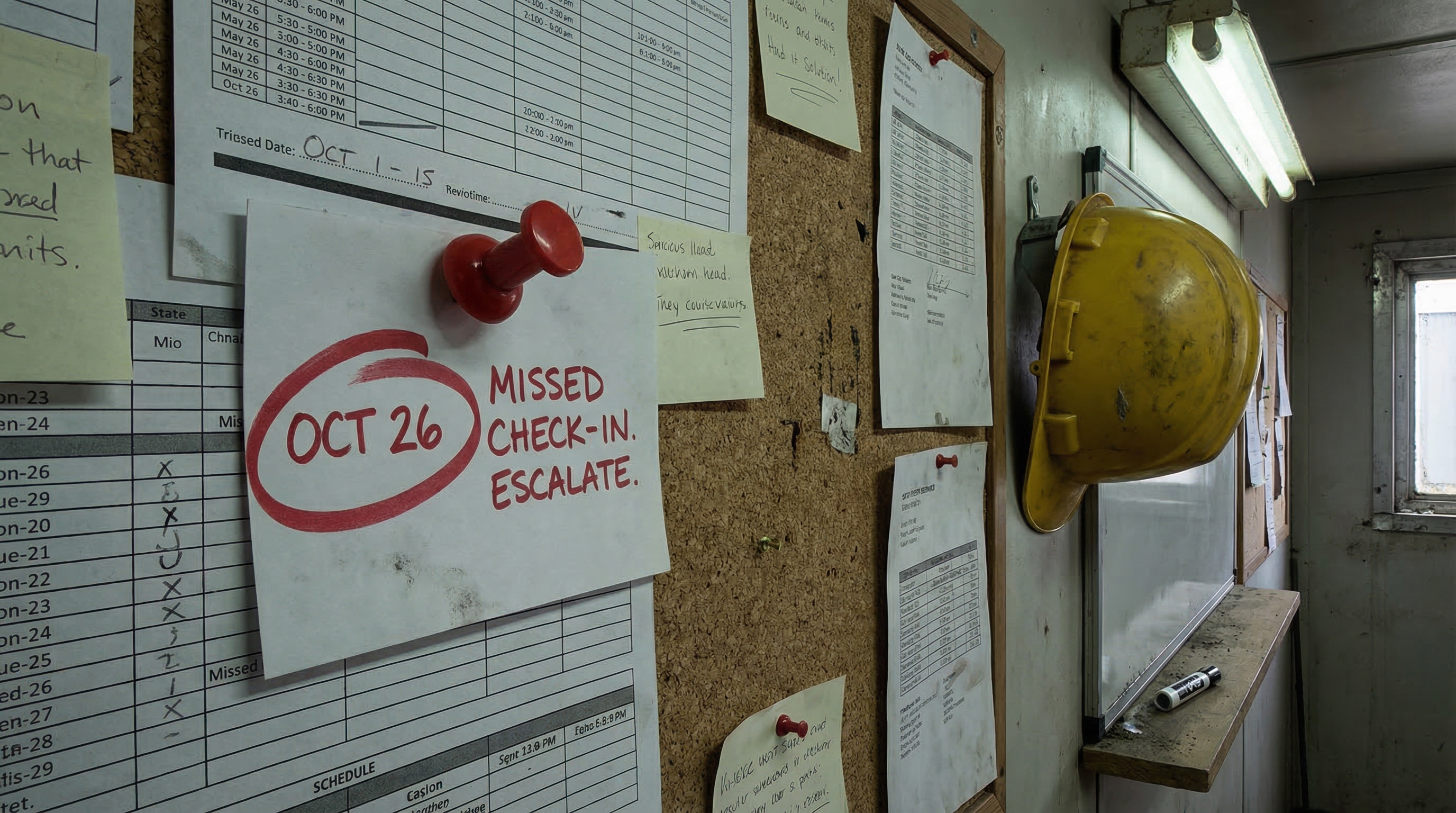
Never Miss a Missed Report: Accountability Tools, Web Forms & WhatsApp Dispatch
New features to keep your construction sites accountable — automatic missed report detection, multi-channel manager alerts, per-super triggers, web report forms, and WhatsApp dispatch.
Running multiple construction sites means trusting your supers to check in on time. When they don't, you need to know immediately — not the next morning when it's too late to act. Today we're shipping a set of features built around that exact problem.
Missed Report Accountability
SiteSuper now automatically detects when a super misses their scheduled check-in. Once the configured grace period passes with no report received, the system:
- Records the miss in a new Missed Reports dashboard widget
- Sends alerts to all workspace managers via their preferred channel — email, SMS, WhatsApp, or phone call
- Respects a repeat interval so you're not flooded with notifications
- Auto-resolves the record the moment the super submits their report
You configure everything from the new Missed Reports section in workspace Settings: grace period, notification channels, max notifications per miss, and repeat interval.
Dashboard Widget
Open your dashboard and you'll immediately see any unresolved missed reports at the top — super name, scheduled date and time, and a direct link to their profile. No digging required.
Per-Super Triggers
Some supers need more than a notification. On any super's detail page you can now add Triggers — actions that fire automatically after a configured number of consecutive misses:
- Conference call — bridge a list of phone numbers into a call so the right people can talk immediately
- Cal.com booking — automatically create a booking to schedule a formal check-in meeting
Triggers are enabled/disabled independently and show the miss threshold you've set.
Web Report Form
Every super now has a unique, shareable report link — no app download, no login. They open the link, fill in their topics, and hit submit. Reports submitted via web form flow through the same pipeline as phone, SMS, and email — skills fire, missed reports auto-resolve, everything works.
The link is visible on the super's detail page with a one-click Copy button.
WhatsApp Dispatch
Outbound WhatsApp is live. When a super's primary or fallback contact method is WhatsApp, the cron sends an approved template message at their scheduled time — including their name, the date, the time, and a direct link to their web report form. No manual steps required.
Suspend a Super
Need to temporarily pause a super's dispatches — contractor off-site, project on hold? Hit Suspend on their detail page. All scheduled calls, SMS, and emails stop immediately. Reactivate by editing their status back to active.
All of these features are live now. Log in and explore them at sitesuper.ai.