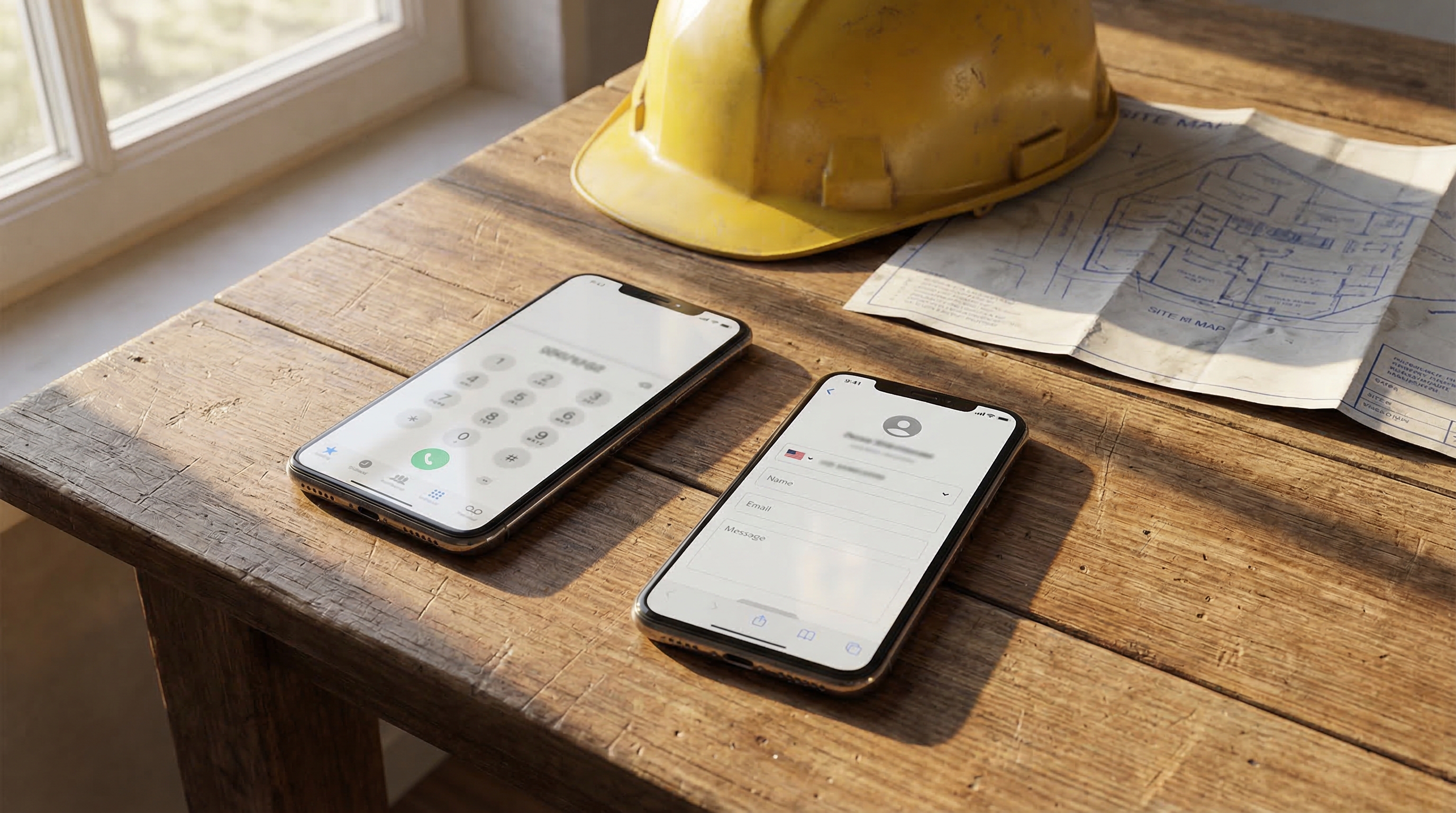
Country Picker, E.164 Normalization & Dual-SIM Support
Phone numbers now validate as you type, auto-format to E.164, and supers with two SIM cards can have separate voice and SMS numbers.
Phone number formatting is one of those small problems that causes big headaches downstream — a number stored without a country code fails silently when the system tries to call it. We've fixed that across the board.
Country Picker
All phone fields on the new super form and super detail page now include a country selector (default: 🇨🇦 Canada). Supported countries:
- 🇨🇦 Canada (+1)
- 🇺🇸 United States (+1)
- 🇬🇧 United Kingdom (+44)
- 🇦🇺 Australia (+61)
- 🇳🇿 New Zealand (+64)
- 🇲🇽 Mexico (+52)
E.164 Auto-Normalization
Type a number in any local format — 6045628647, 604-562-8647, 1-604-562-8647 — and SiteSuper converts it to E.164 (+16045628647) on save. Numbers already in E.164 format are left unchanged.
Inline Validation
If a number can't be normalized to a valid E.164 format, the field shows a red border and an error message immediately. The form blocks submission until all numbers are valid. No more silent failures when the system tries to reach a super at an invalid number.
Dual-SIM / Text Message Number
Some supers carry phones with two SIM cards — one for voice calls, one for data/SMS. You can now store a separate Text Message Number on each super profile.
When the cron sends an SMS (either as a primary channel or as a fallback), it uses the Text Message Number if one is set, falling back to the main phone number. Inbound SMS matching checks both numbers.
All of these changes are live for new and existing supers.